Video Games » Project Gotham Racing 4 on Xbox 360 Review
written by owen, published 2026-Jan-10, comment
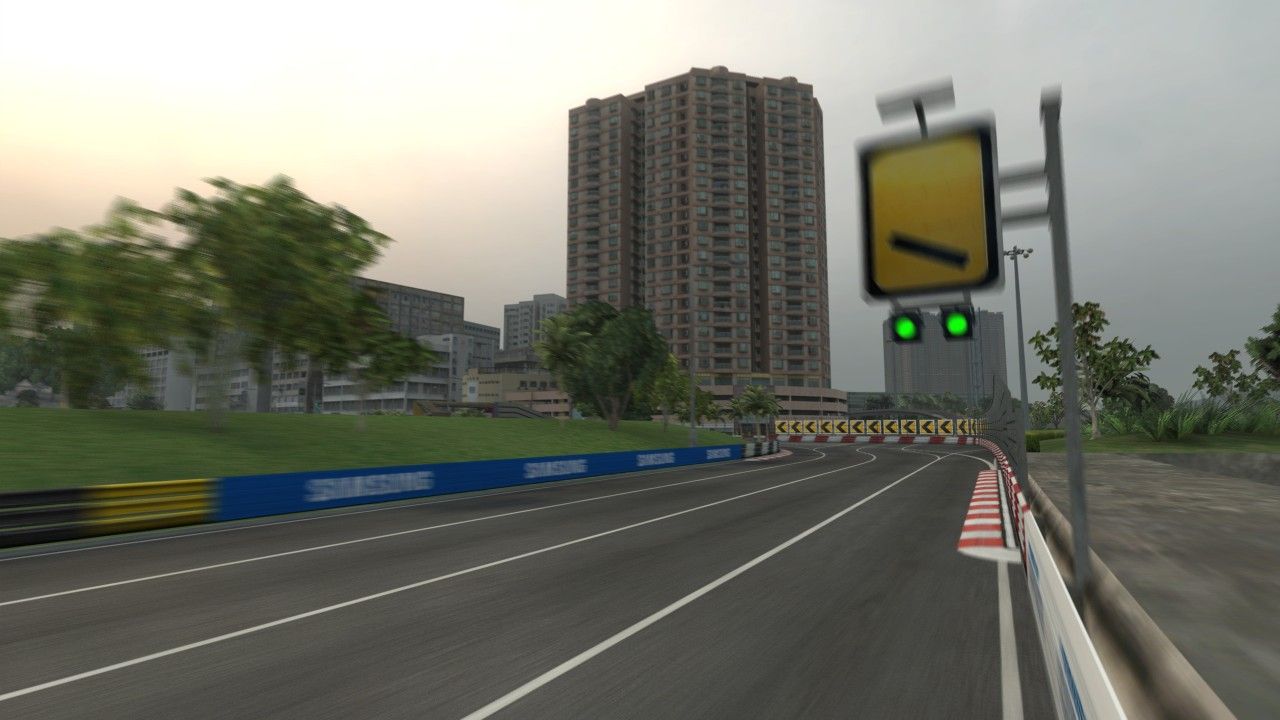
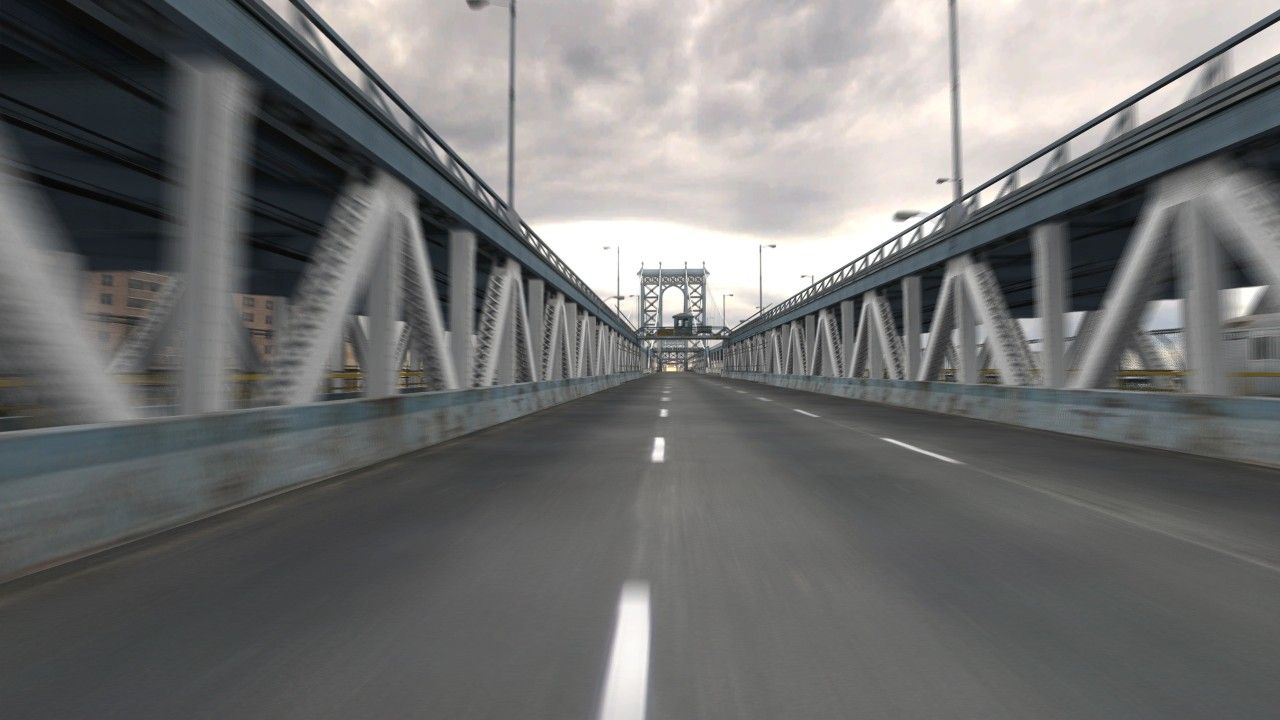
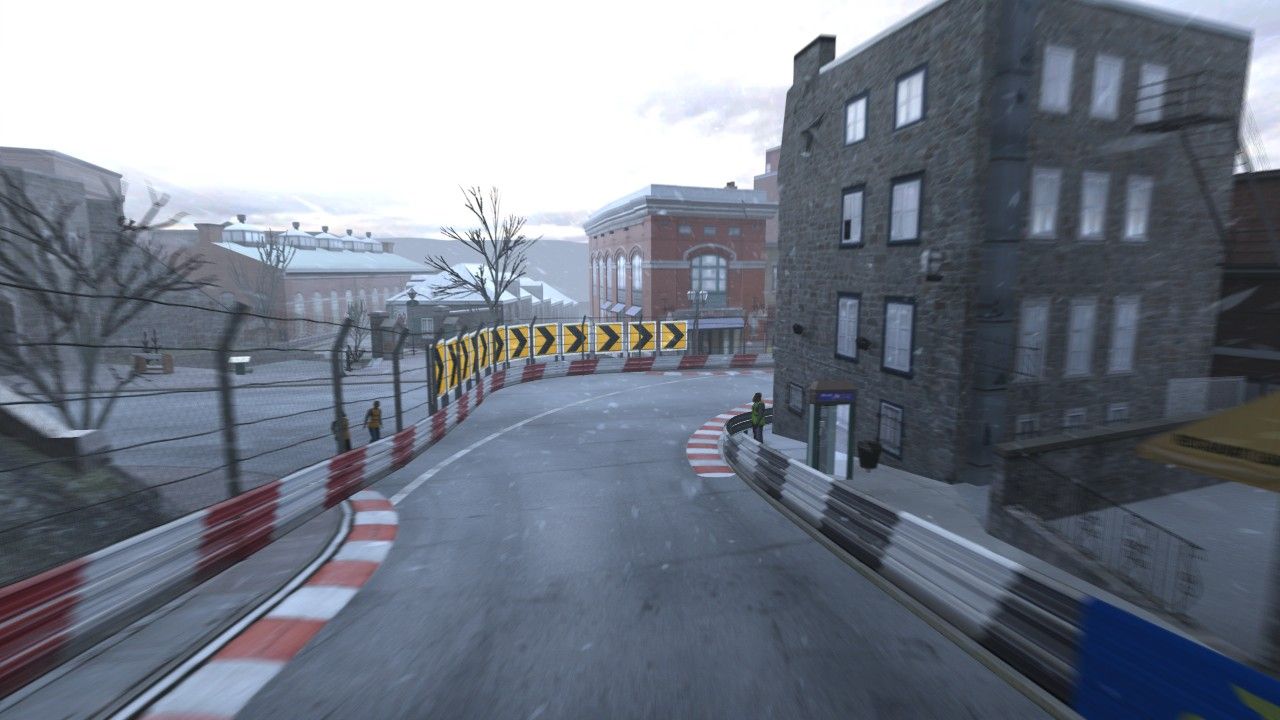
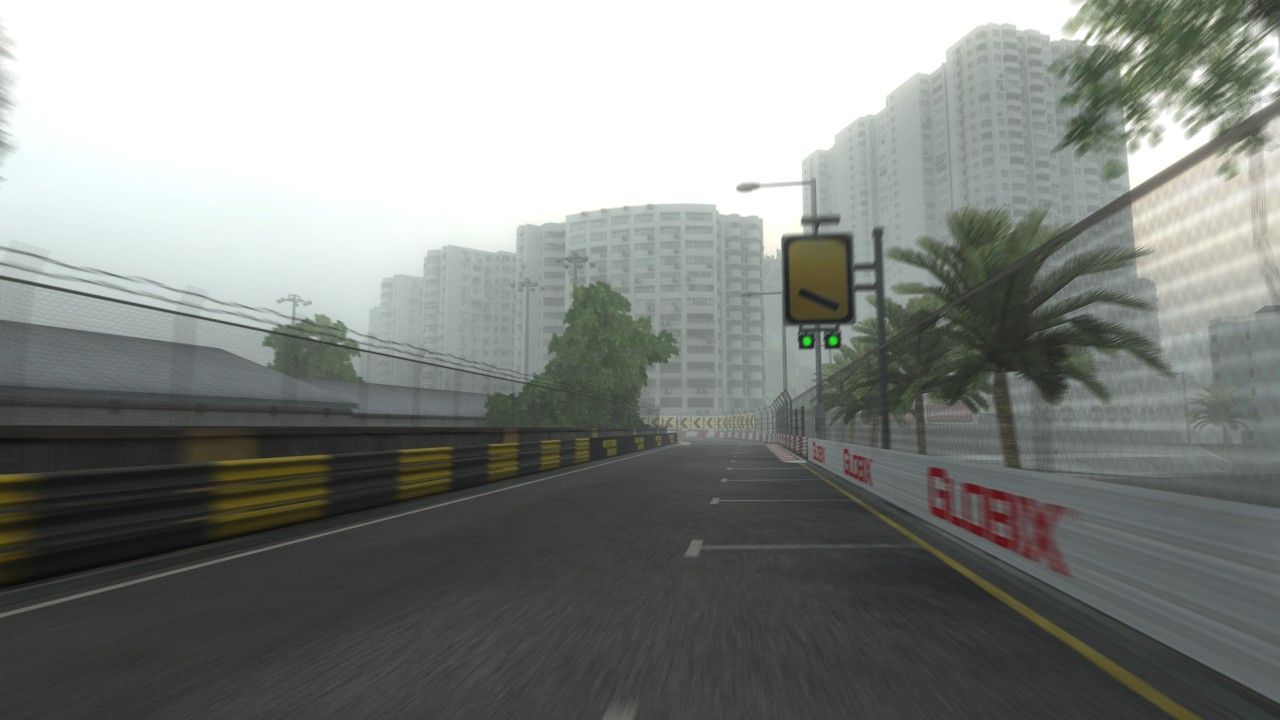
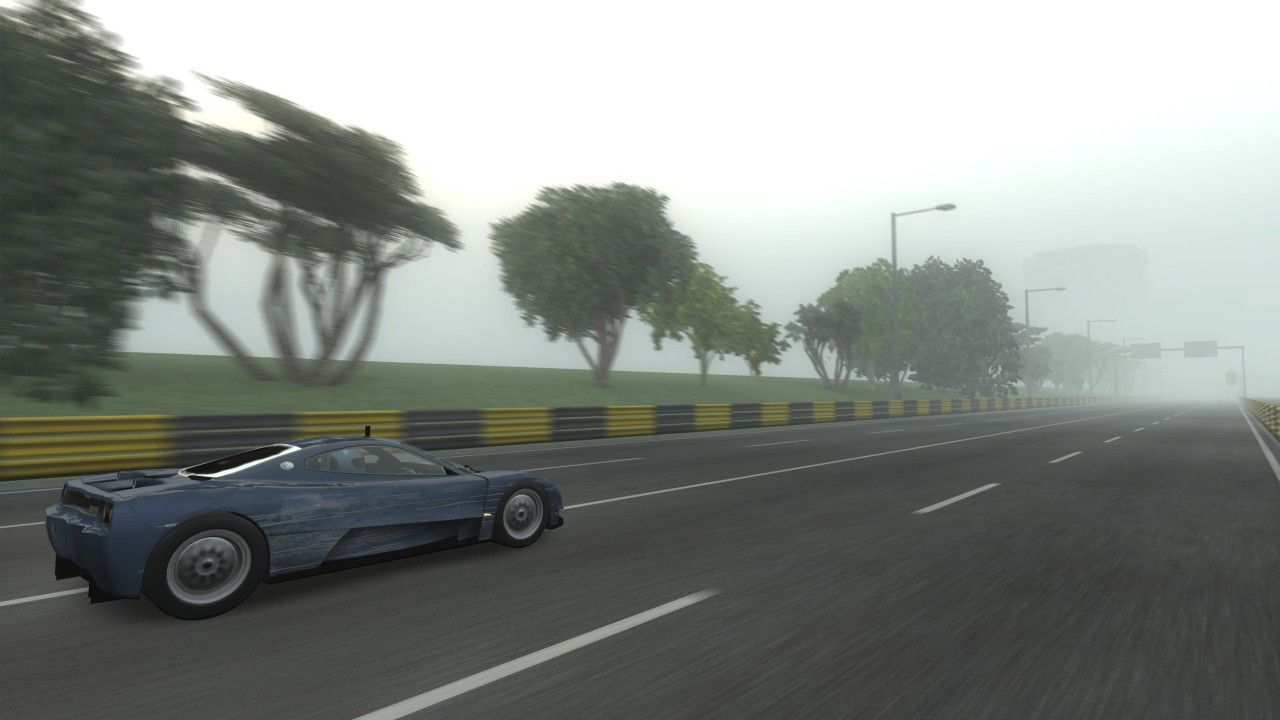
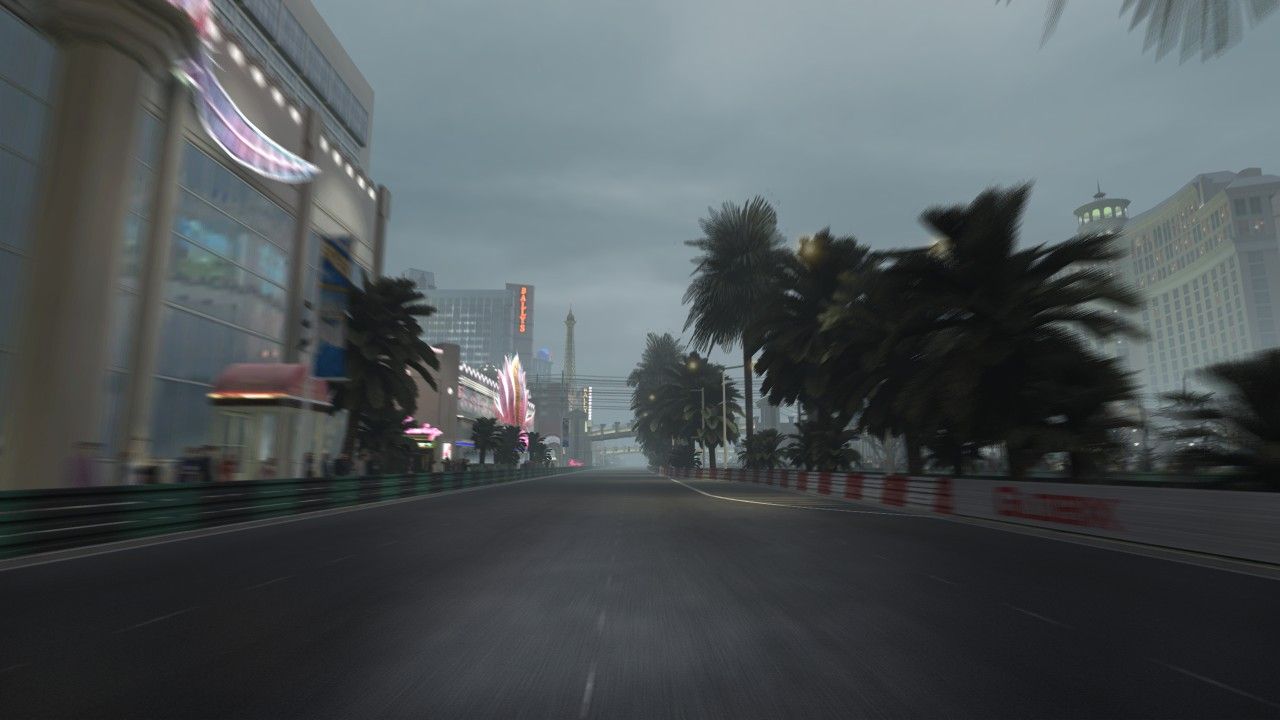
I was hesitant towards getting another xbox 360 racing game after my experience (or should I say boredom) with Forza 4. But I can safely say PGR4 is "fun" for a game released in 2007. It has the vibe of Metropolis Street Racer from back in the dreamcast days - with the kudus system - actually its done by the same devs. But thats not the only thing; the race courses are interesting and have that retro ps2/dreamcast flat lighting vibe that more modern photo realistic racing games are missing.
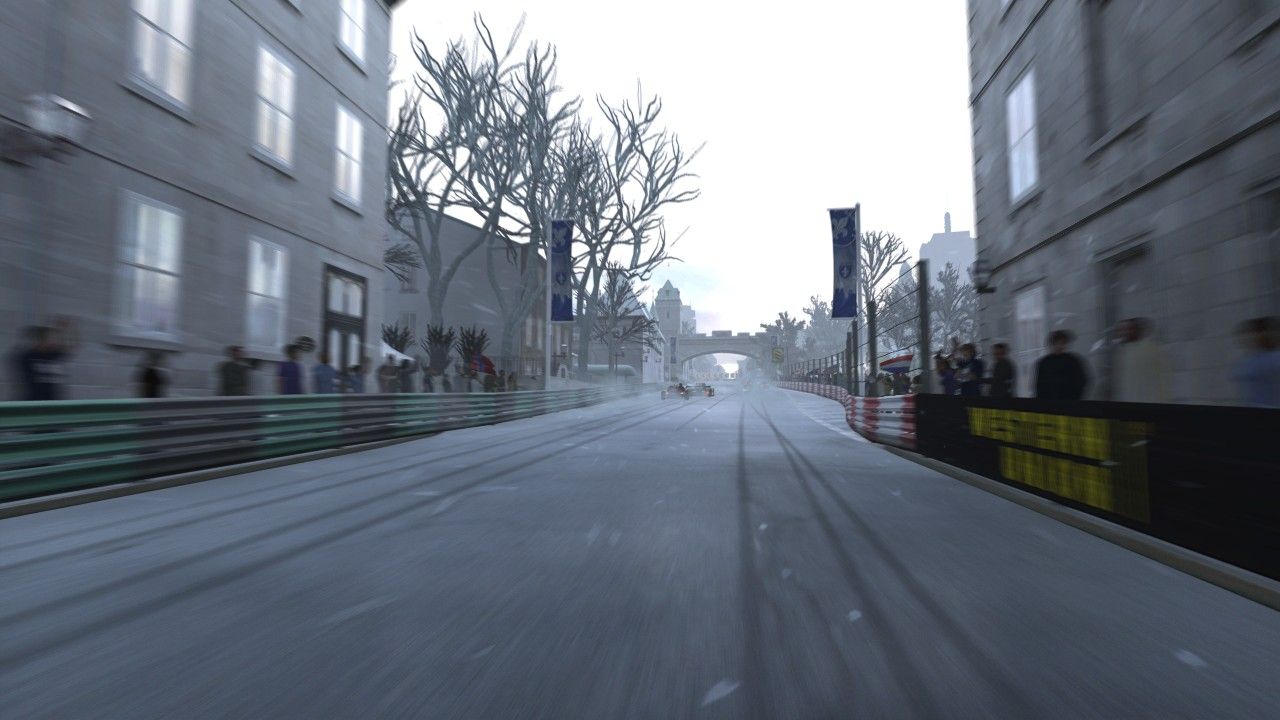
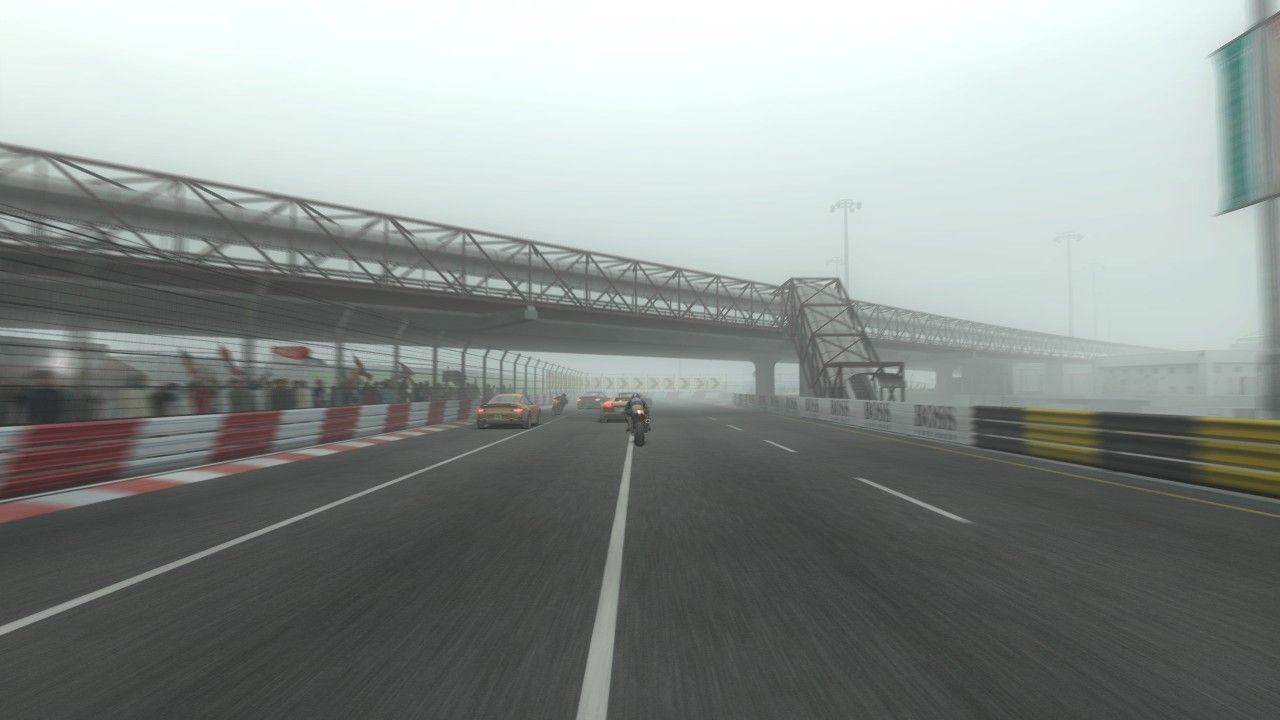
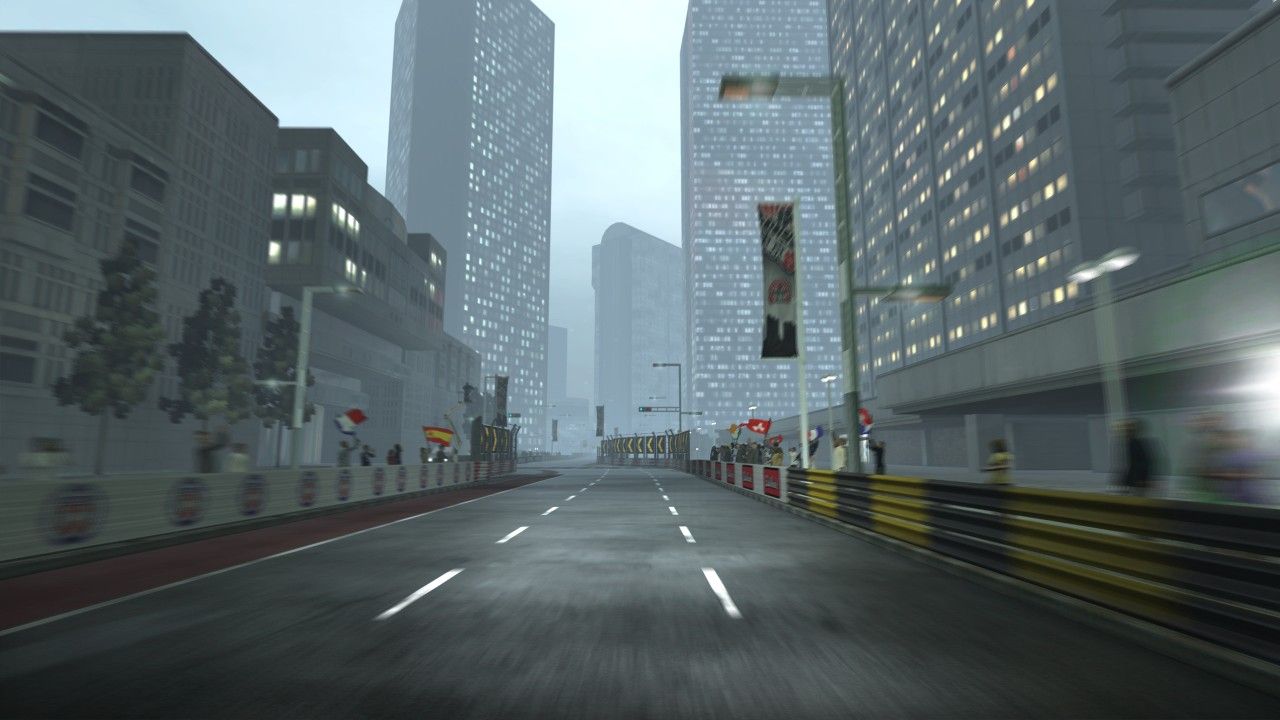
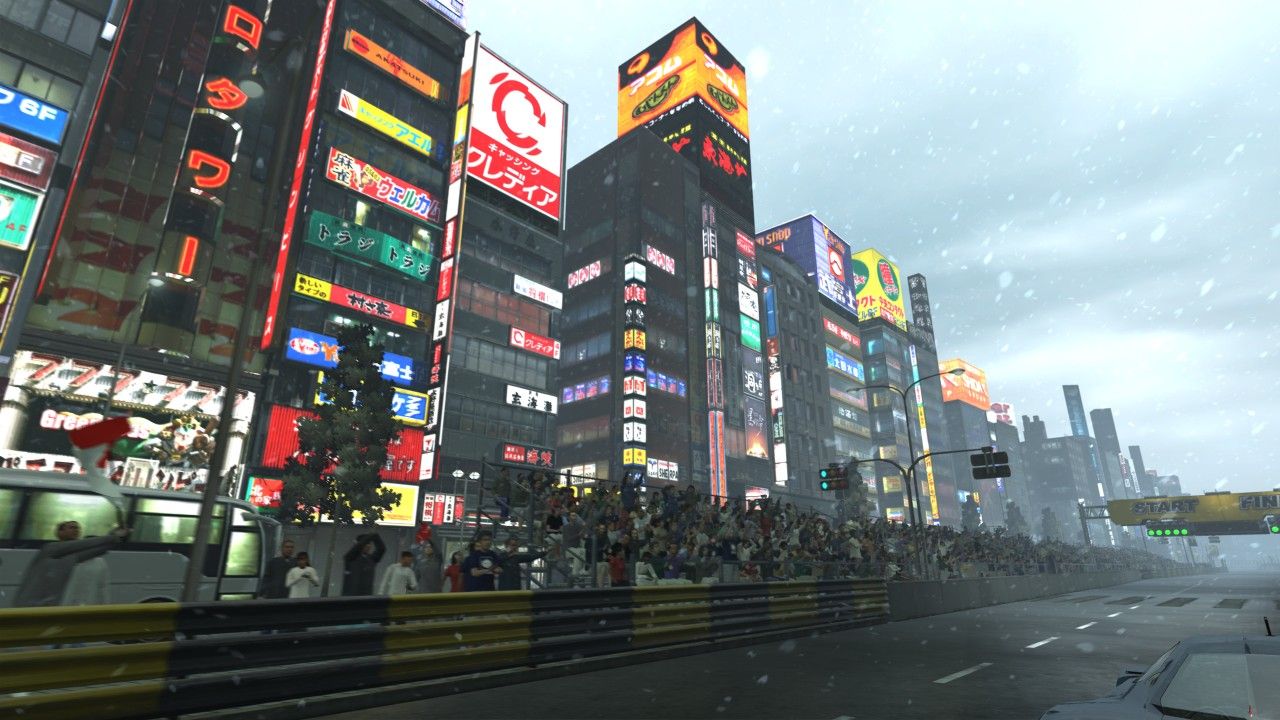
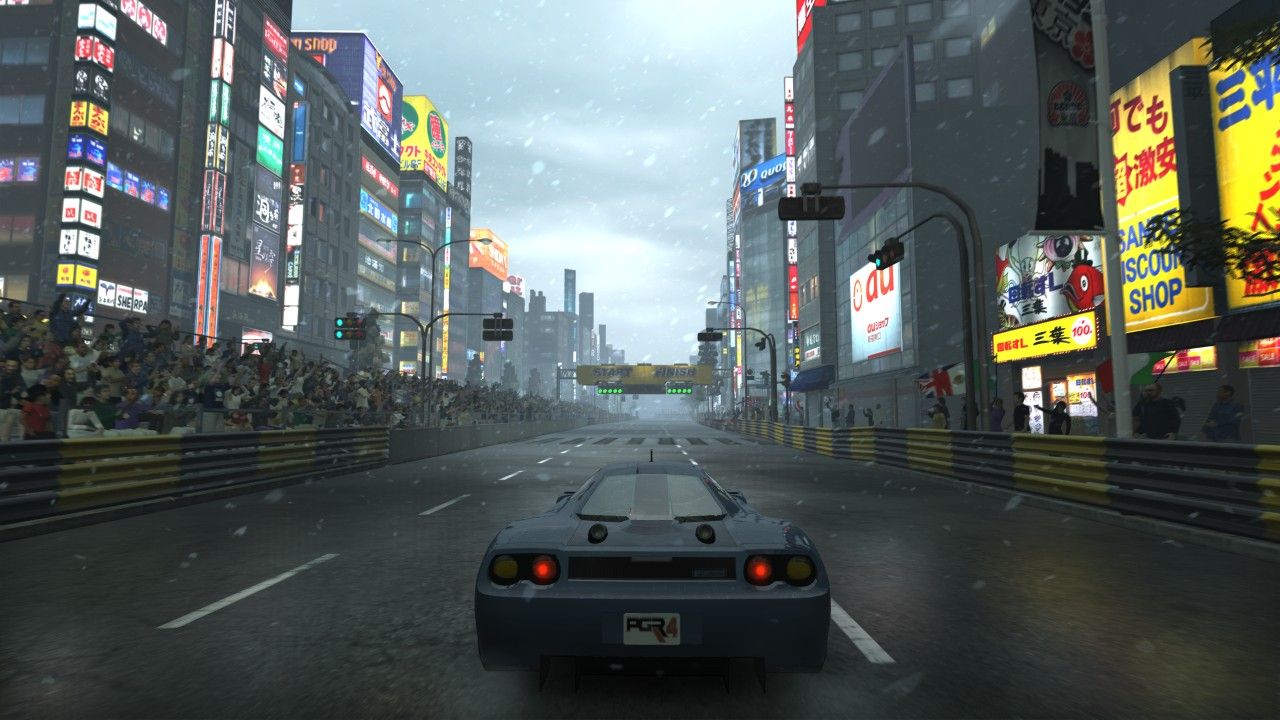
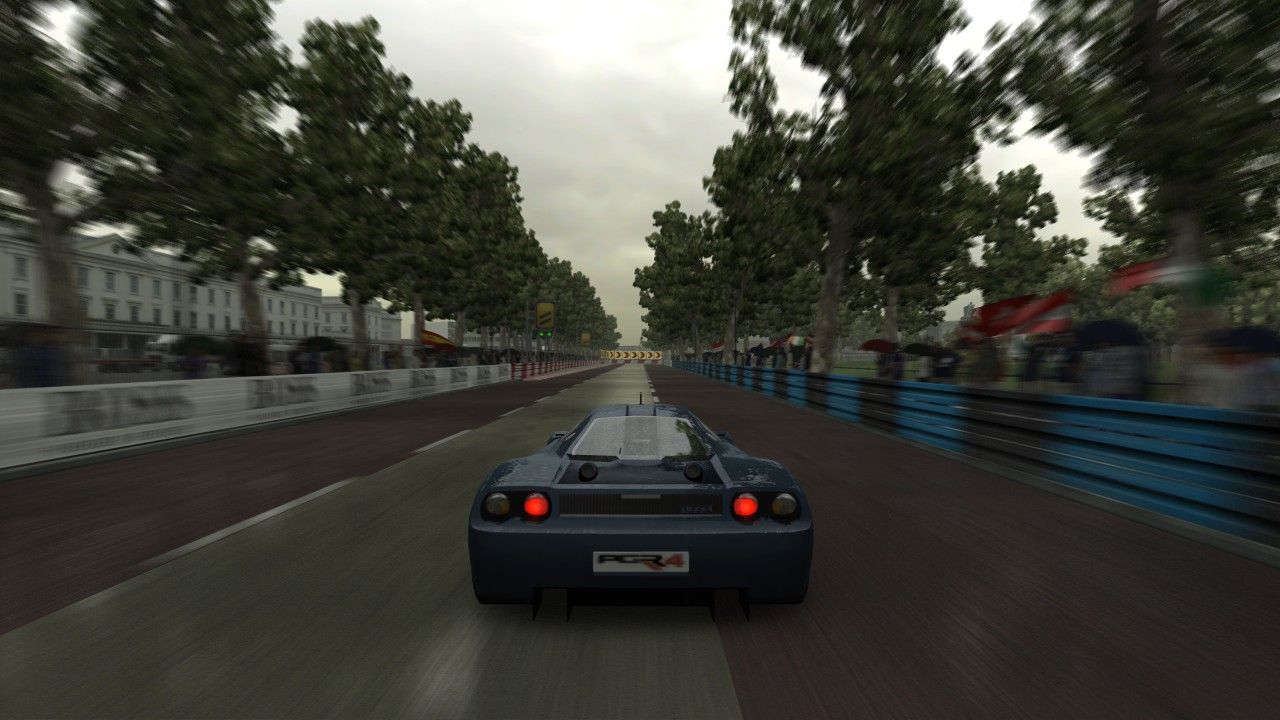
The tracks are not as immense as Forza but there is this vibe in the city tracks. It is hard to describe; the city spaces feel very "gamey", like PS2 GT but in a persona 3 flat polygons way - fake but representative of something real. The night scenes, the day courses And it has weather changes too which is always an impressive touch in racing games.
The game UI is something out of windows XP but you wont be spending much time in the menus. The UI exists to get you into the race which is where you really want to spend your time. I jumped right into the arcade mode. There is no, tutorial or button layout bs. The race loads up, counts down and you race - no bs. The bikes are a little jarring at first but the handling is easy to get in to and is very CONSISTENT. Consistent handling in a racing game is chefs kiss.
I am currently ranked 10th in the PGR4 championship and the races are getting longer and more challenging - even while playing on easy but I will stick with it a little longer. I jumped ship on burnout paradise because I got what that game was about very early but PGR4 scratches a special nostalgia itch that is hard to replicate.
Conclusion
The game is fun 10/10. Allows you to take screenshots.
Strategy
Play it on easy you will have more fun. Adjust the engine sounds so that they are lower than the music.
Converting the screenshots
The screenshot files are essentially "jpeg". If your screenshots saved to the harddrive you will need to go into dashboard-system-storage find the PGR4 game folder, then copy the files one at a time to a usb flash drive.
Once the files are on a usbdrive then you can easily insert into a computer. On the computer search the entire usbdrive for anything with the file extension=".p". Once the files are found, make a copy of them on your desktop or another folder because you will need to edit each of them. Editing them while on the usbdrive will make them unreadable when the drive is put back into the xbox.
On the desktop (or where ever you copied them) each file is padded with some pre-text that you will need to remove in order to see the image. to identify the pre text you need to open the file in a text editor (notepad does not work) which can handle "binary" files like editplus or something else, with the file open, search in the file for the text "jfif", move 7 characters back then erase everything before "yoya". Save the file and change the extension to ".jpg". all done. the file will now be viewable. The image dimensions are 1280x720 pixels.